





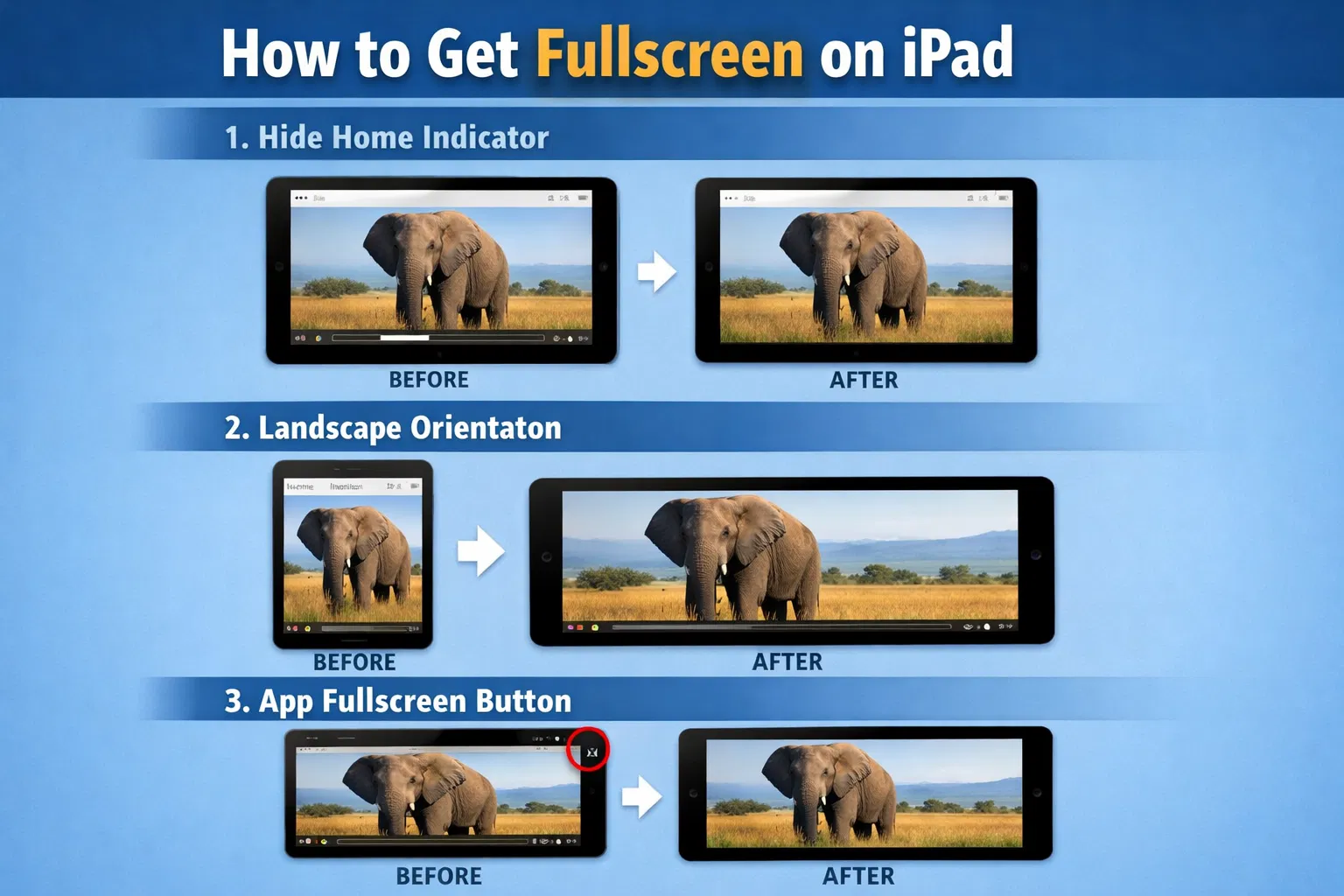
Getting a true full-screen experience on an iPad depends less on hidden settings and more on how apps are designed and how you use the device. Unlike some platforms, iPadOS does not allow you to permanently remove system elements like the home indicator, but there are practical ways to maximize usable screen space.
Ways to Get Full Screen on iPad
Method 1: Hide the Home Indicator Bar
- Swipe up from the bottom of the screen to reveal the home indicator
- Go to Settings → Display & Brightness
- Look for “Home Indicator” options (varies by iPad model)
- Disable or hide the home indicator for more screen space
Method 2: Use Landscape Orientation
- Rotate your iPad to landscape mode
- Most apps automatically adjust to fullscreen in landscape
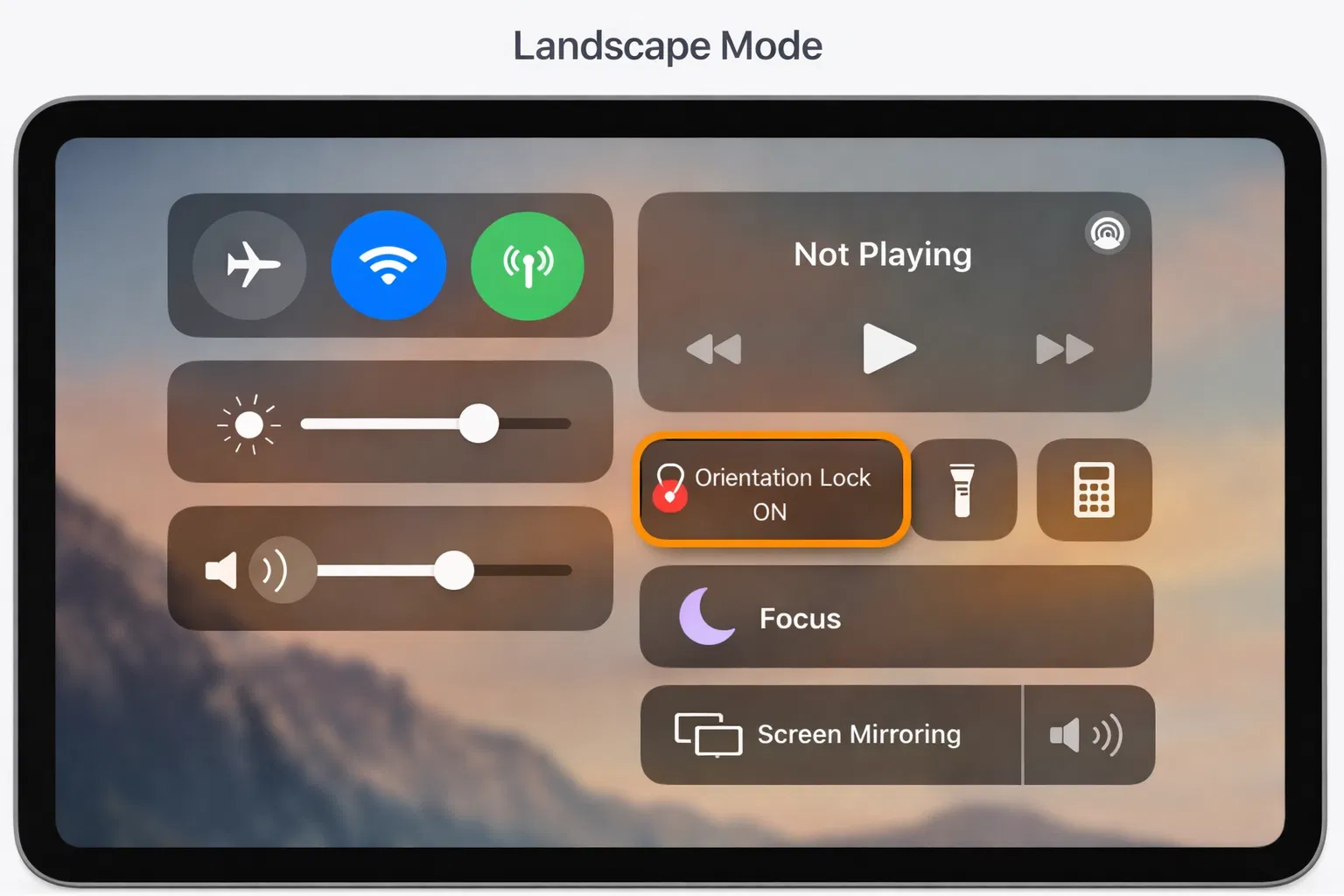
- Lock the orientation by swiping down from the top-right corner
- Tap the orientation lock icon to maintain landscape view
Method 3: Enable Fullscreen in Apps
Many apps have built-in fullscreen options:
- Video Apps: Tap the fullscreen icon (usually in the bottom-right corner)
- Games: Check settings for fullscreen or immersive mode
- Productivity Apps: Look for fullscreen or presentation mode
Fullscreen Tips for Different iPad Models
iPad Pro
iPad Pro models have minimal bezels, so fullscreen is already optimized. Use landscape mode for maximum screen real estate.
iPad Air and iPad
These models have larger bezels. Hiding the home indicator and using landscape mode helps maximize usable screen space.
Fullscreen for Specific Tasks
Watching Videos
- Open your video app (YouTube, Netflix, etc.)
- Play a video
- Tap the fullscreen icon in the bottom-right corner
- Rotate to landscape for maximum viewing area
Gaming
- Open your game
- Go to game settings
- Look for “Fullscreen” or “Immersive Mode” option
- Enable fullscreen mode
FAQ: iPad Fullscreen
Why isn’t my iPad showing fullscreen?
Some apps don’t support fullscreen mode. Try rotating to landscape or checking the app’s settings for fullscreen options.
Can I hide the home indicator permanently?
The home indicator can’t be permanently hidden, but you can minimize its appearance by using fullscreen apps and landscape orientation.