





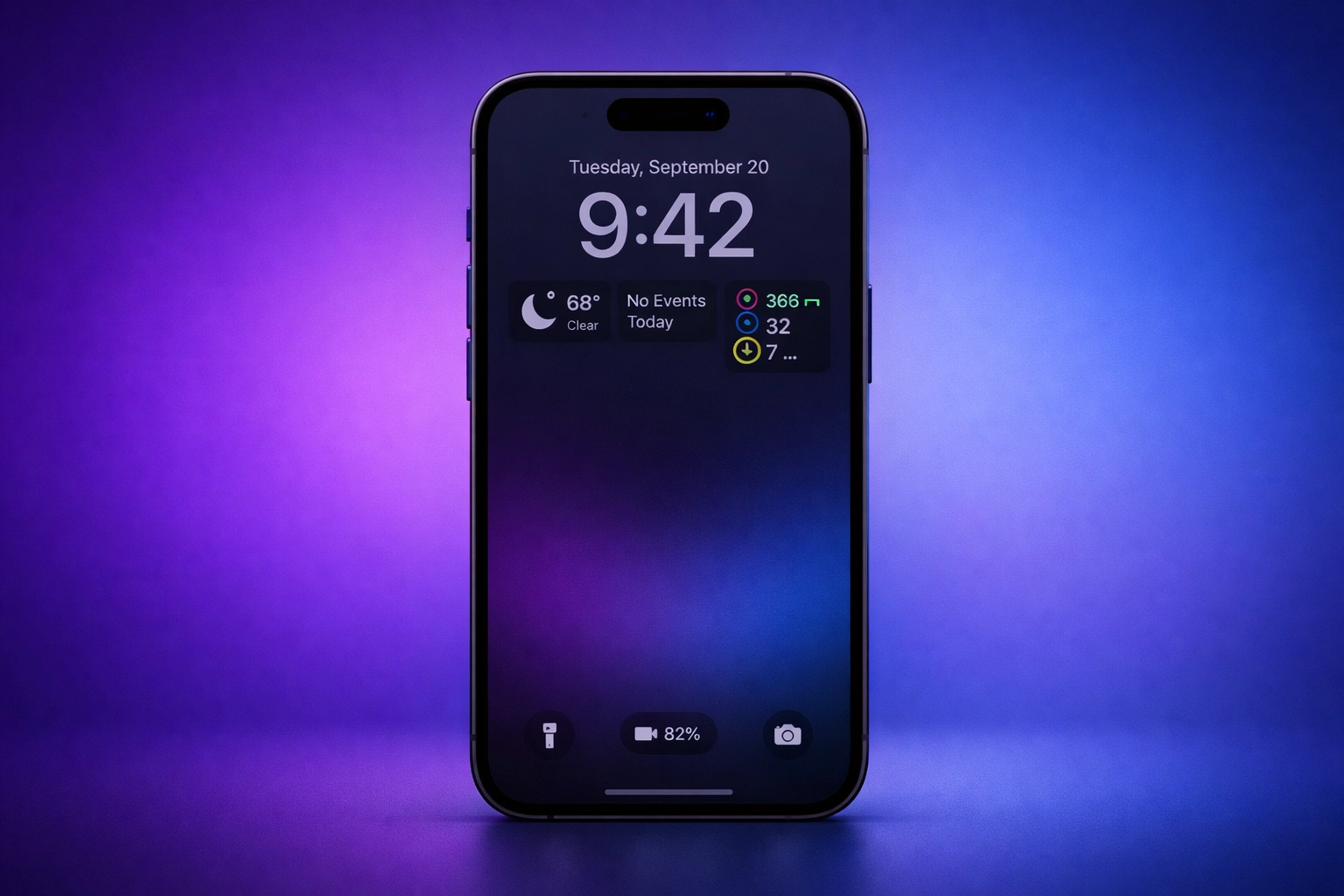
Yes, the Always-On Display (AOD) on iPhones 17 Pro and newer does drain battery, but the impact is minimal—approximately 0.6-0.8% per hour. This translates to roughly 1-2 hours of reduced battery life per day, which is acceptable for most users given the convenience and functionality it provides.
What Is Always-On Display?
Always-On Display is a feature introduced with the iPhone 14 Pro that keeps your lock screen visible at a reduced brightness level even when your iPhone is locked. Instead of the screen going completely dark, it shows:
- The time
- Date
- Lock screen widgets
- Notifications
- Custom wallpaper (optional)
How Much Battery Does Always-On Display Use?
Battery Drain Rates
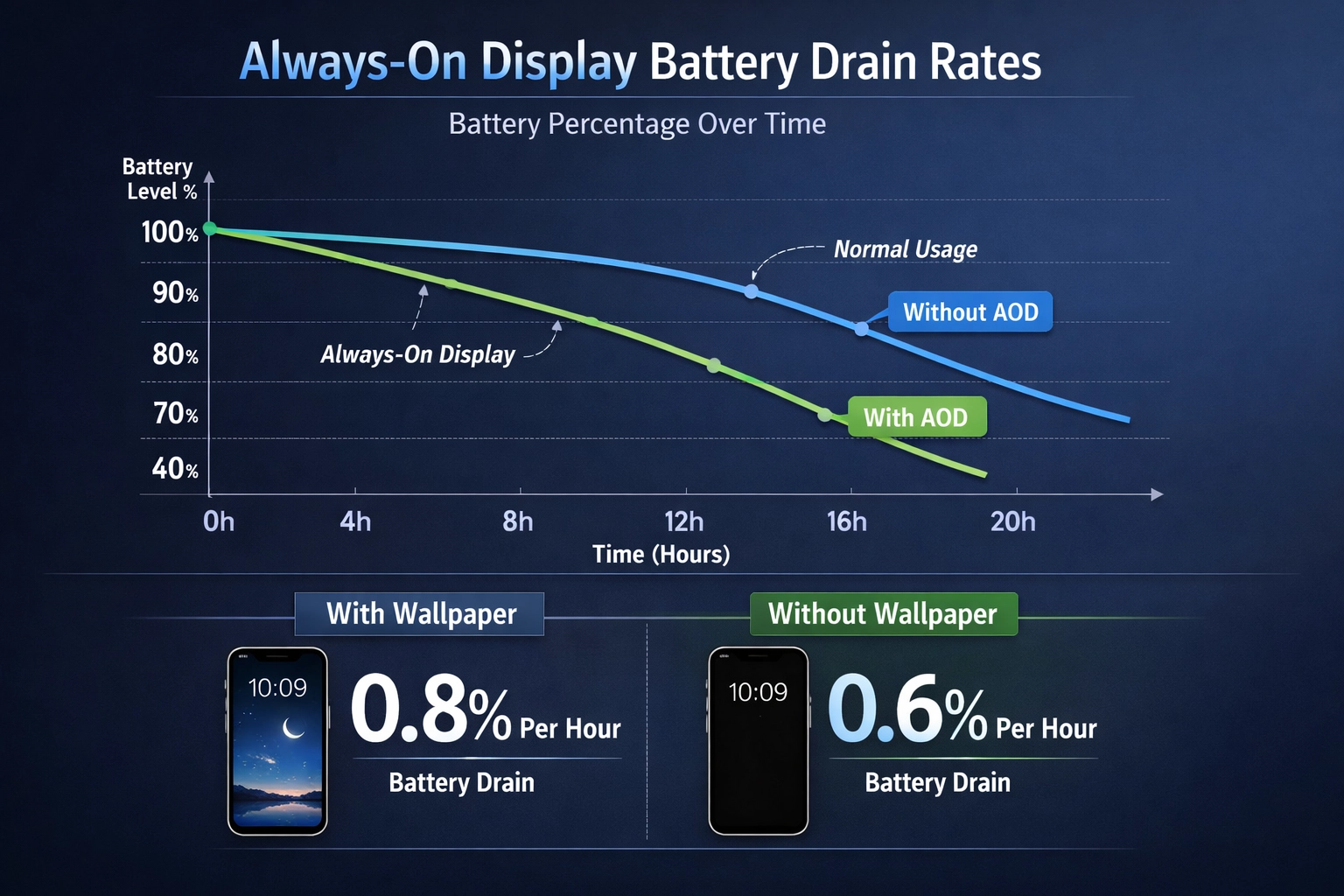
According to various tests and Apple’s own specifications:
- With Wallpaper: Approximately 0.8% battery drain per hour
- Without Wallpaper (Black Background): Approximately 0.6% battery drain per hour
- Daily Impact: Roughly 1-2 hours of reduced battery life per day
Why Does Always-On Display Use Battery?
Technical Reasons
- Continuous Display Operation: Unlike a completely dark screen, the Always-On Display keeps pixels illuminated at all times, consuming power.
- Low Refresh Rate: Apple optimized the feature by using a 1 Hz refresh rate (updating once per second) instead of the standard 60 Hz, significantly reducing power consumption.
- Reduced Brightness: The display runs at a lower brightness level to minimize power draw while remaining visible.
Is Always-On Display Worth the Battery Drain?
Advantages
- Convenience: Check the time without unlocking your phone
- Notifications: See important alerts at a glance
- Widgets: Access quick information from lock screen widgets
- Minimal Impact: The battery drain is relatively small compared to overall daily usage
How to Reduce Always-On Display Battery Drain
1. Disable Wallpaper
- Open Settings
- Go to Lock Screen
- Tap Customize
- Select Always On
- Toggle off the wallpaper option
FAQ: Always-On Display and Battery
Is it bad to have Always-On Display on iPhone?
No, it’s not bad. The battery drain is minimal and acceptable for most users. If you’re concerned about battery life, you can disable it or use a black wallpaper.
Should I keep Always-On Display on iPhone?
It depends on your preferences and usage patterns. If you value the convenience and don’t mind losing 1-2 hours of battery life, keep it on. If battery life is your priority, disable it.