



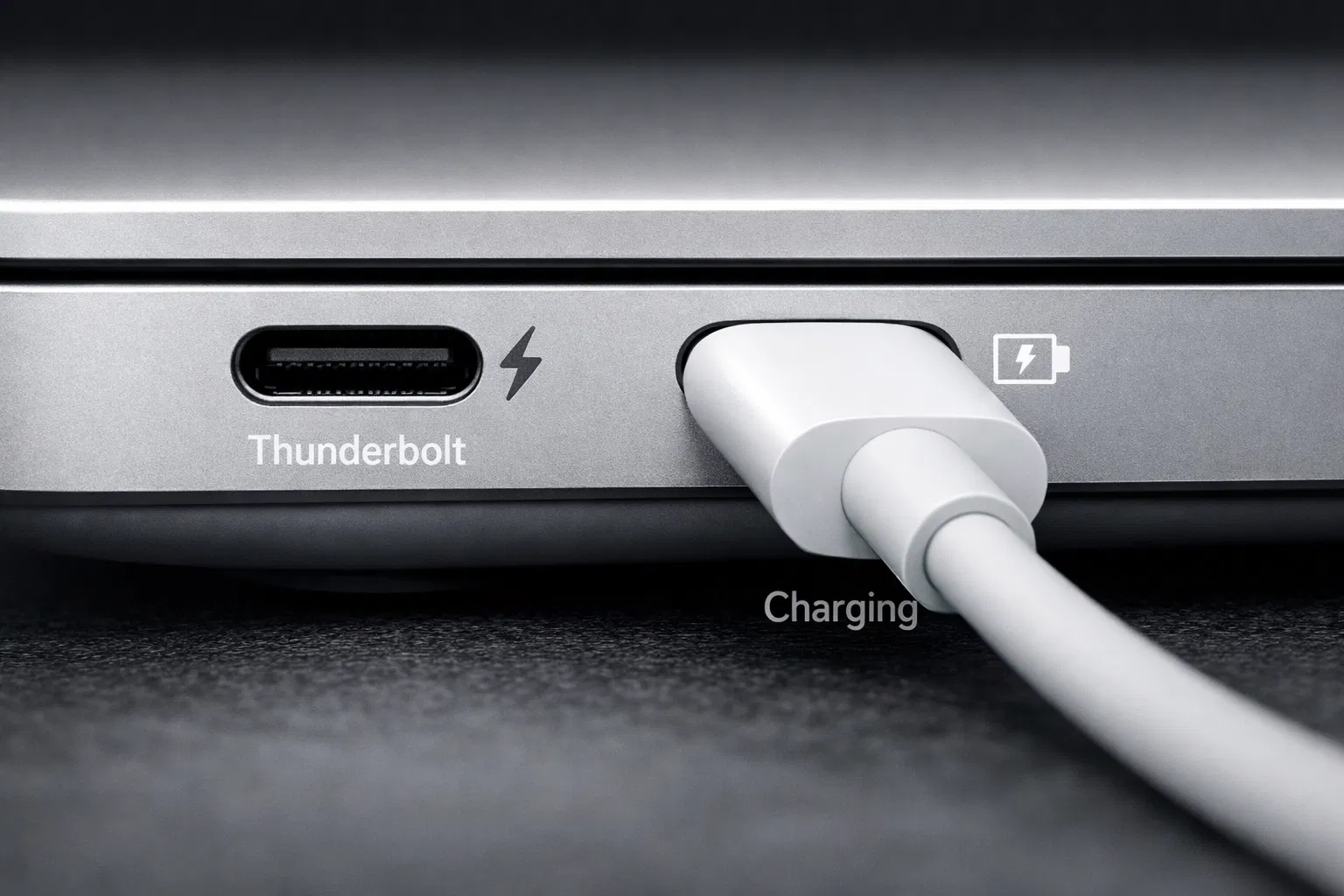
Yes, you can charge a MacBook Air with USB-C. All modern MacBook Air models (2018 and newer) come with USB-C charging ports. You can use any USB-C power adapter that meets the power requirements of your specific MacBook Air model.
MacBook Air USB-C Charging Specifications
Power Requirements by Model
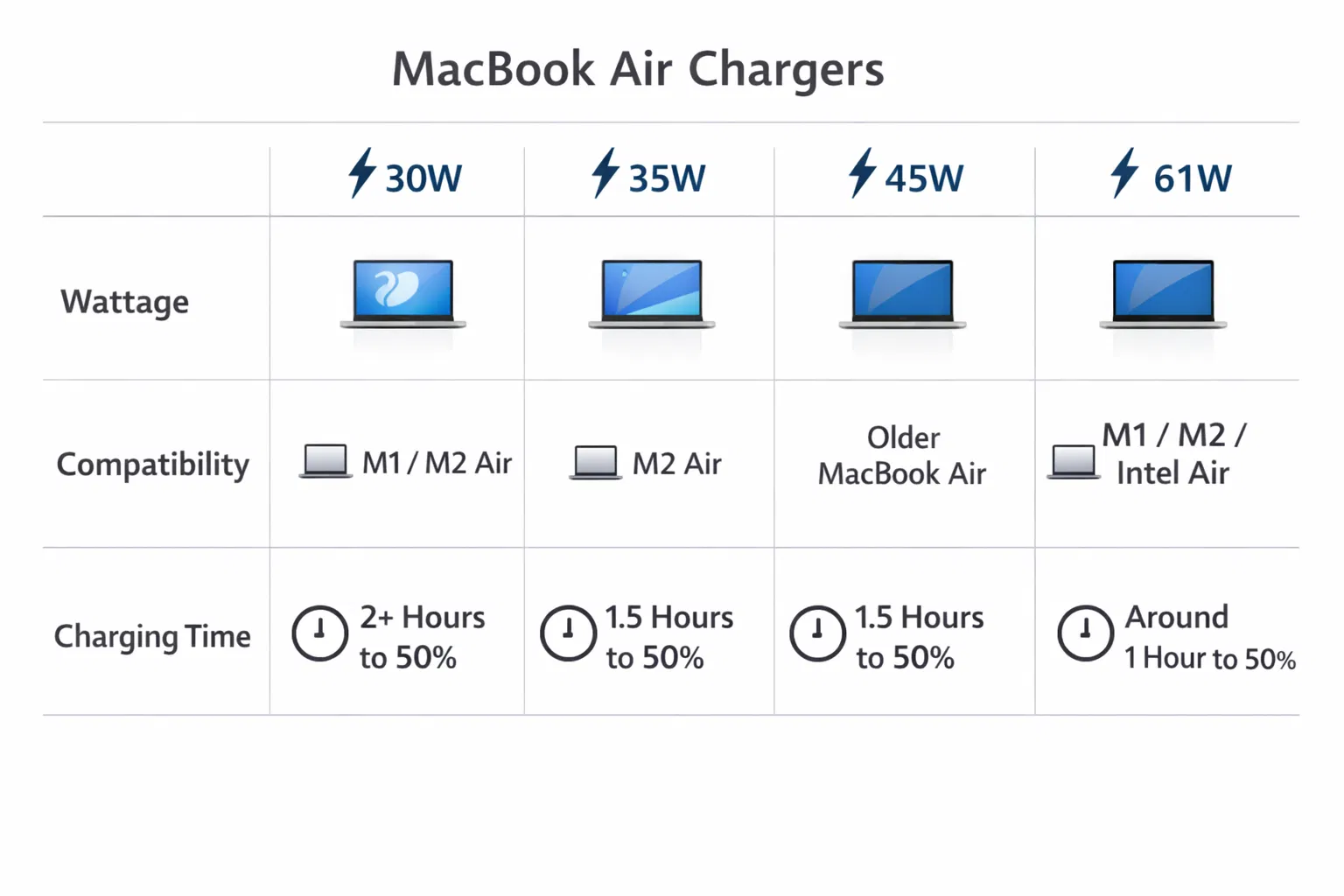
- MacBook Air M1/M2 (13-inch): 30W USB-C power adapter (or higher)
- MacBook Air M2 (15-inch): 35W USB-C power adapter (or higher)
- MacBook Air M3 (13-inch): 30W USB-C power adapter (or higher)
- MacBook Air M3 (15-inch): 35W USB-C power adapter (or higher)
Compatible USB-C Chargers for MacBook Air
Apple’s Official Chargers
Apple offers several USB-C power adapters designed specifically for MacBook Air:
- 30W USB-C Power Adapter
- 35W Dual USB-C Power Adapter
- 45W USB-C Power Adapter
- 61W USB-C Power Adapter (for older models)
Third-Party USB-C Chargers
You can use third-party USB-C chargers from reputable brands like Anker, Belkin, and Hyper, as long as they meet these requirements:
- USB Power Delivery (USB-PD) support
- Correct wattage for your MacBook Air model
- Quality certification (UL, FCC, CE)
How to Charge Your MacBook Air
Using the USB-C Port
- Connect the USB-C cable to the power adapter
- Plug the power adapter into a wall outlet
- Connect the USB-C cable to your MacBook Air’s USB-C port
- Look for the charging indicator light on your MacBook
Charging Tips and Best Practices
Optimal Charging Speed
To charge your MacBook Air faster, use the recommended wattage power adapter for your model. Using a higher wattage adapter won’t damage your MacBook but won’t significantly speed up charging either.
Charging While Using Your MacBook
You can use your MacBook Air while it’s charging. However, charging will be slower if you’re using power-intensive applications.
FAQ: MacBook Air USB-C Charging
Can I use any USB-C charger for my MacBook Air?
Not all USB-C chargers are compatible. You need a charger with USB Power Delivery (USB-PD) support and the correct wattage for your MacBook Air model.
Is it safe to use third-party USB-C chargers?
Yes, as long as they’re from reputable brands and meet the power requirements. Avoid cheap, unbranded chargers that may not have proper safety certifications.