





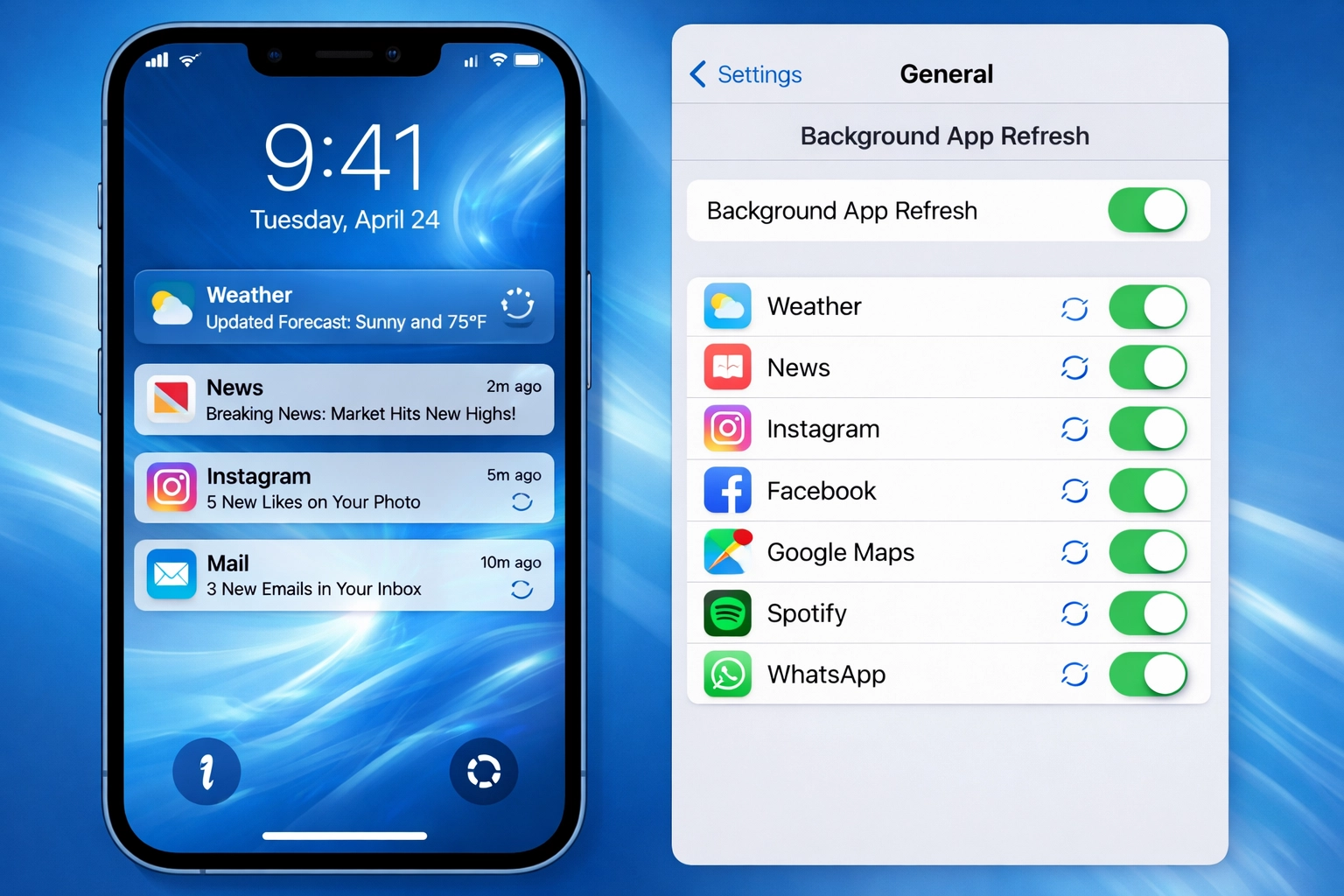
Background App Refresh is an iOS feature that allows apps to check for new content and updates in the background while you’re not actively using them. This ensures that apps have fresh data ready when you open them, but it can consume battery life and cellular data.
What Is Background App Refresh?
Background App Refresh is a smartphone feature primarily found on iOS devices that enables suspended applications to periodically check for new content, updates, and notifications without requiring you to manually open them. When this feature is enabled, your iPhone continues to run app processes even after you’ve switched to a different application or locked your device.
How It Works
When Background App Refresh is active:
- Apps Run in Suspended State: After you close or switch away from an app, it enters a suspended state where it can still perform limited tasks.
- Periodic Updates: The app periodically wakes up to check for new data, download updates, and refresh content.
- Data Synchronization: Apps sync their data with servers to ensure information is current when you open them.
- Smart Scheduling: iOS intelligently schedules these refresh cycles based on your usage patterns and available system resources.
Benefits of Background App Refresh
Instant Access to Updated Data
When you open an app like Instagram or Facebook, new posts and stories are already loaded and ready to view. You don’t have to wait for the app to fetch fresh content.
Seamless User Experience
Email apps can download new messages in the background, so your inbox is up-to-date when you check it. News apps can download the latest headlines without delay.
Drawbacks of Background App Refresh
Battery Drain
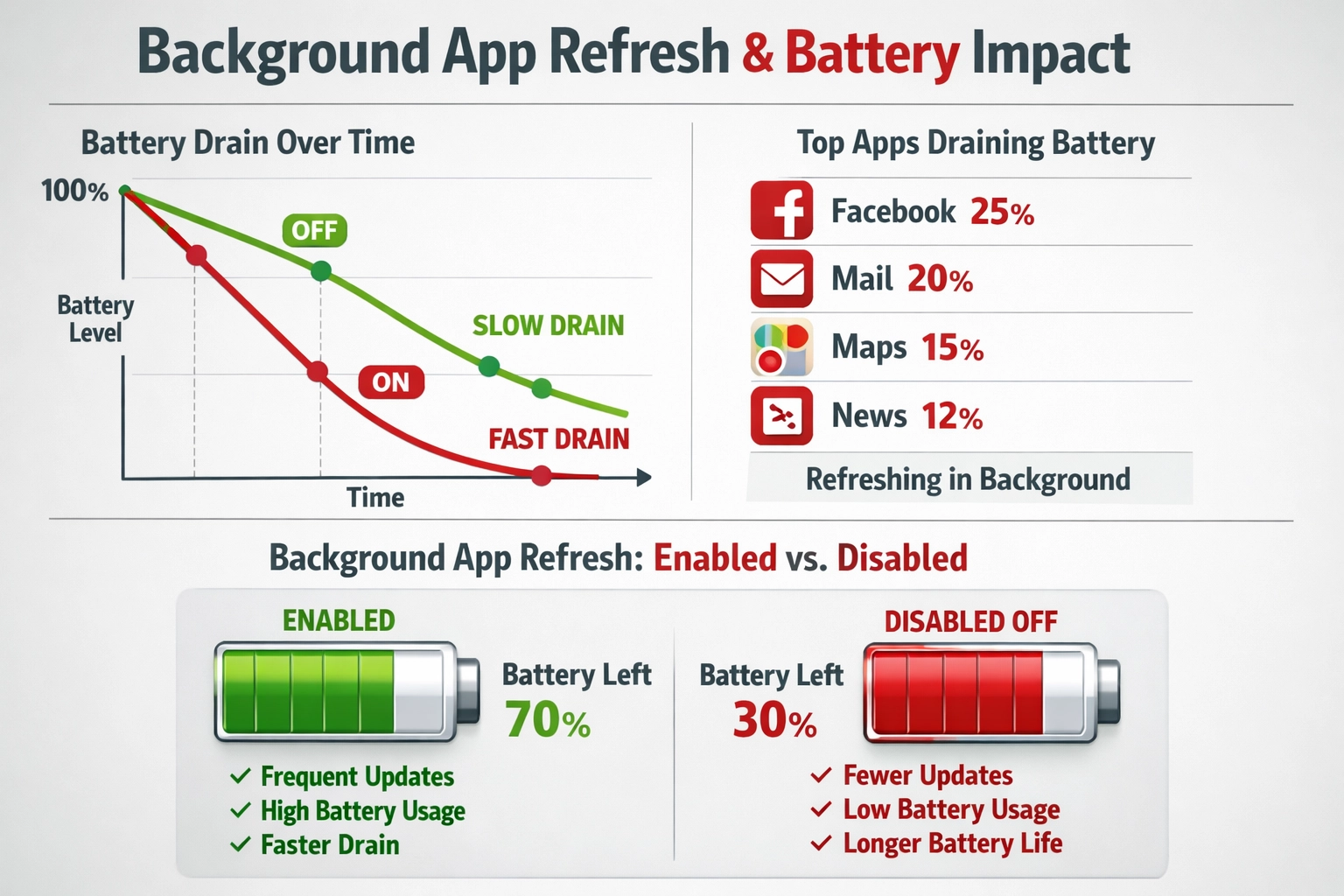
Background App Refresh consumes battery power as apps periodically wake up and perform tasks. This is one of the most significant drawbacks, especially if many apps have this feature enabled.
How to Manage Background App Refresh
Enable or Disable for All Apps
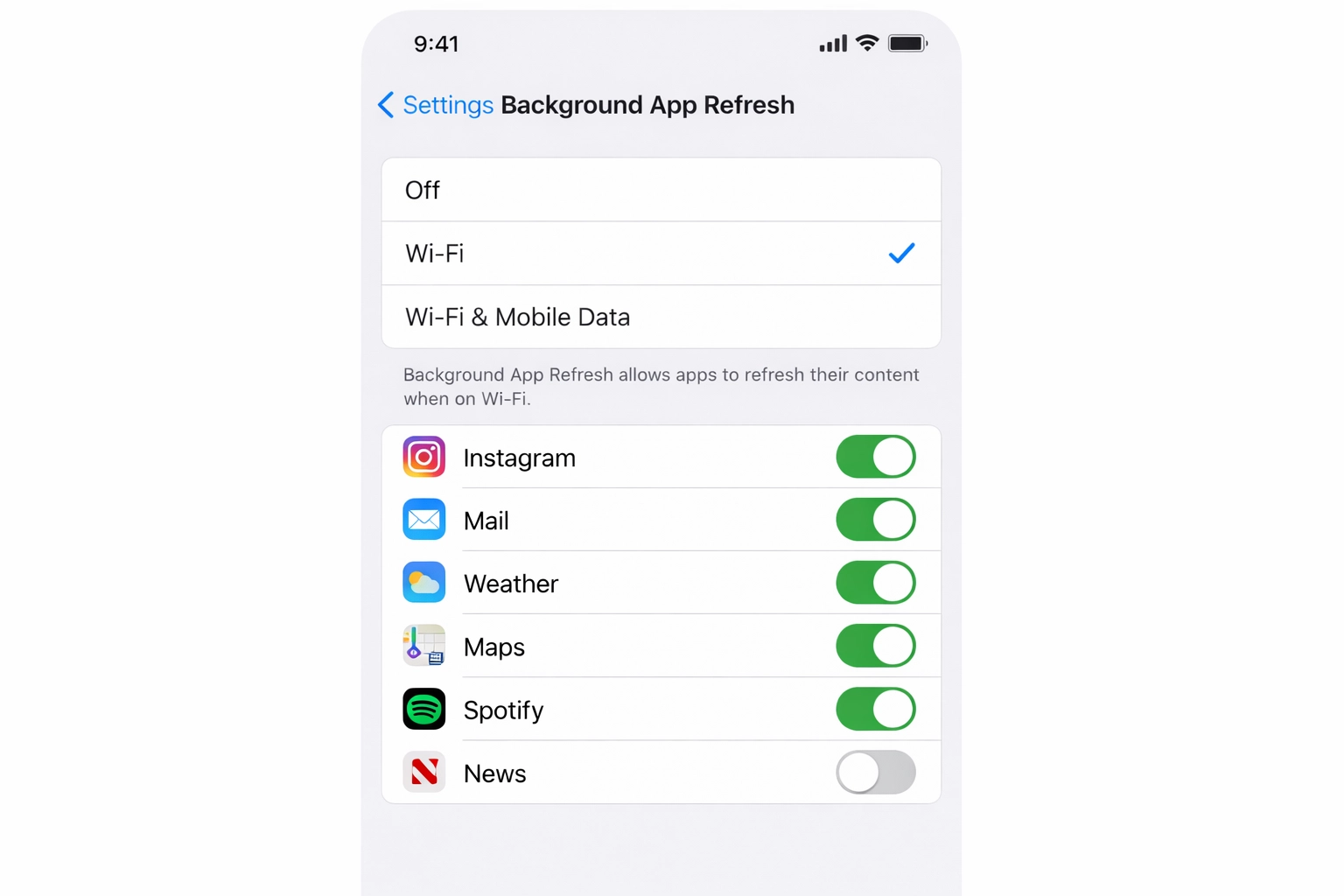
- Open Settings on your iPhone
- Go to General
- Select Background App Refresh
- Toggle the switch to On or Off to enable or disable for all apps
FAQ: Background App Refresh
Is turning off Background App Refresh good?
Yes, turning off Background App Refresh can help preserve battery life and reduce data usage. However, you may miss notifications and real-time updates from apps. The best approach is to selectively disable it for apps that don’t need it.
How much battery does Background App Refresh use?
The amount varies depending on how many apps have it enabled and their usage patterns. On average, Background App Refresh can consume 5-10% of your daily battery usage, though this varies significantly between devices and usage patterns.