






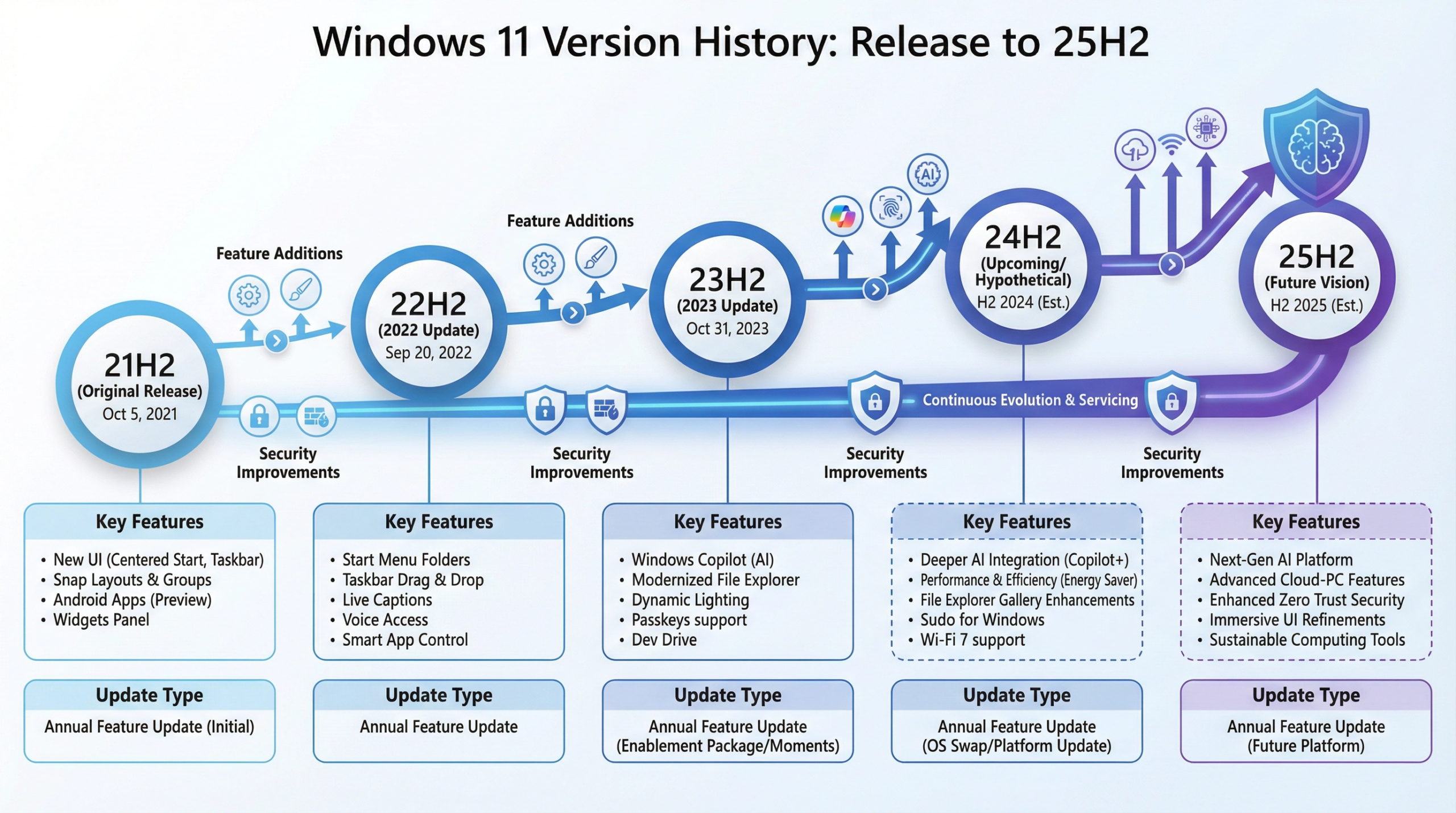
Microsoft’s Windows 11 version 25H2 represents a significant update to the Windows 11 operating system, introducing new features, performance improvements, and security enhancements. This comprehensive update demonstrates Microsoft’s commitment to continuous improvement and responsiveness to user feedback. Understanding what’s new in version 25H2 helps users and IT professionals make informed decisions about upgrading and leveraging new capabilities.
Understanding Windows 11 Version Numbering
Windows 11 version numbering can be confusing for users unfamiliar with Microsoft’s update system. Version 25H2 indicates a major update released in the second half of 2025. The “H2” designation means second half of the year, while “25” indicates 2025. This versioning scheme differs from previous Windows versions, reflecting Microsoft’s shift toward more frequent, continuous updates. Understanding this numbering helps users identify which version they’re running and whether they need to update.
Major Feature Additions in 25H2
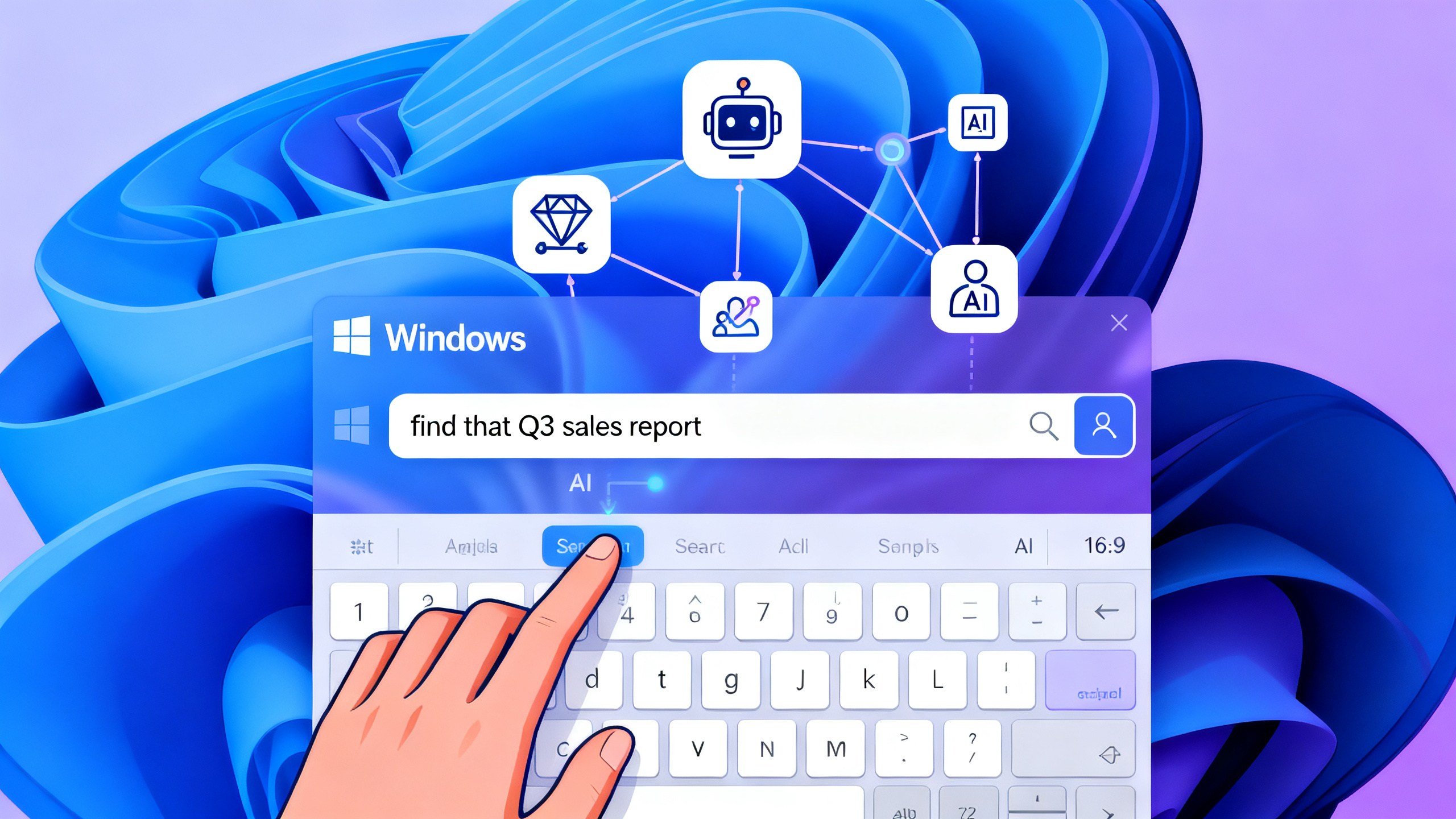
Version 25H2 introduces several significant new features enhancing user experience and productivity. These include improvements to the Start menu, enhanced Copilot AI integration, new taskbar functionality, and refined system settings. The Start menu now offers better organization and search capabilities, making it easier to find applications and files. Copilot integration provides AI-powered assistance directly within Windows, helping with tasks like file management, system optimization, and information retrieval. The taskbar includes new grouping and organization options, allowing users to customize their workflow more effectively.
Copilot AI Integration and Capabilities
One of the most significant additions in version 25H2 is deeper Copilot integration throughout Windows. Copilot, Microsoft’s AI assistant, now provides contextual help throughout the operating system. Users can ask Copilot questions about system functionality, request help with specific tasks, or get recommendations for optimizing their system. Copilot can analyze your system configuration and suggest improvements, help troubleshoot problems, and provide information about Windows features. While Copilot integration raises privacy concerns for some users, it represents a significant step toward AI-assisted computing.
Performance Improvements and Optimization
Version 25H2 includes numerous performance optimizations that improve system responsiveness and efficiency. These optimizations reduce startup times, improve application launch speed, and enhance overall system responsiveness. The improvements are particularly noticeable on systems with solid-state drives (SSDs), where faster storage allows Windows to take better advantage of the optimizations. Memory management improvements reduce RAM consumption, benefiting users with limited system memory. These performance enhancements contribute to a snappier, more responsive Windows experience.
Security Enhancements and Threat Protection
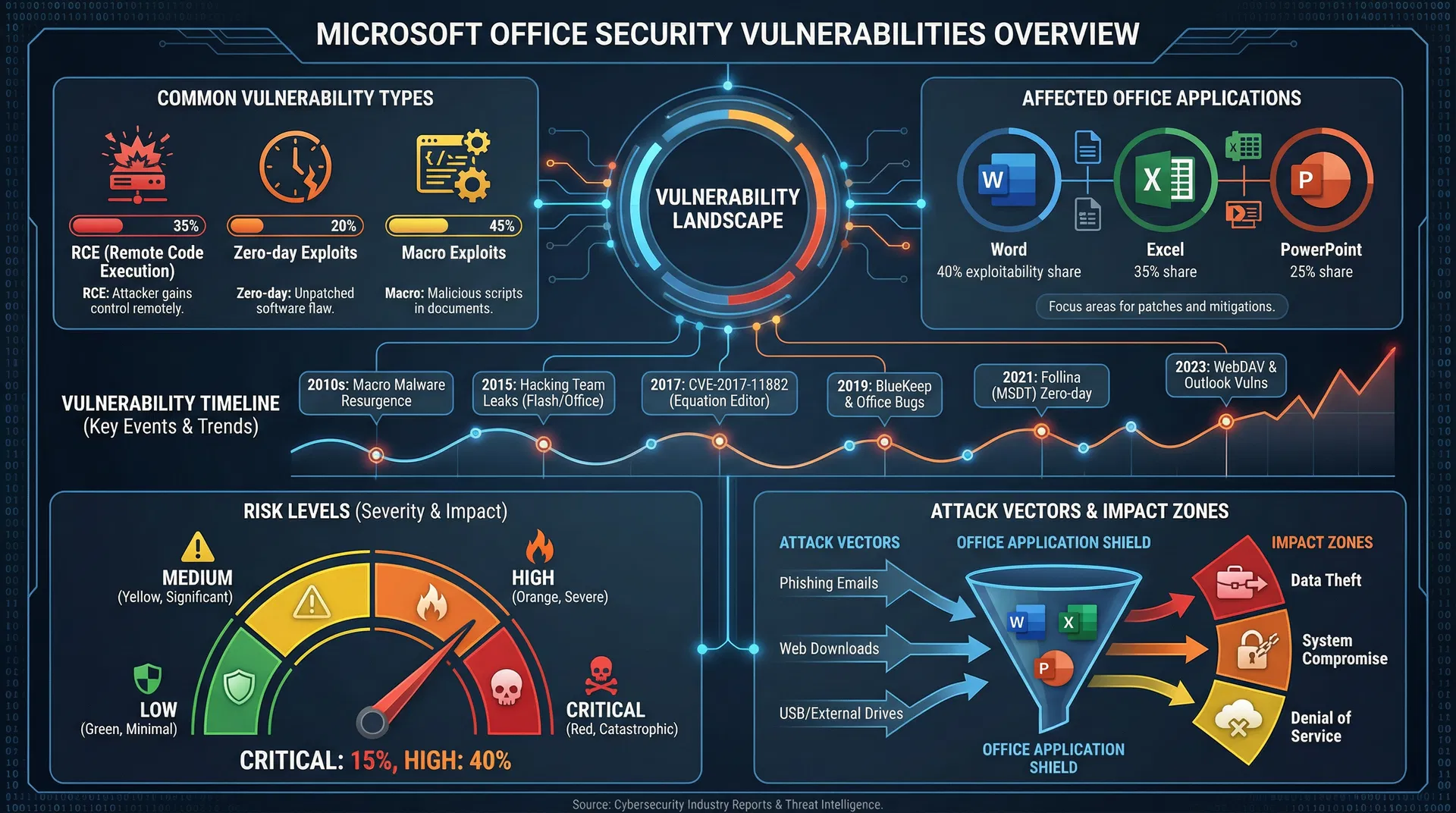
Windows 11 version 25H2 introduces enhanced security features protecting against evolving threats. These include improved malware detection capabilities, enhanced phishing protection, and stronger authentication mechanisms. Windows Defender receives updates with better threat detection algorithms, identifying and blocking malicious software more effectively. Enhanced phishing protection helps prevent users from accessing malicious websites or downloading dangerous files. Stronger authentication mechanisms improve protection against credential theft and unauthorized access.
Improved File Management and Organization
Version 25H2 enhances file management capabilities with improved file explorer functionality. These improvements include better search capabilities, enhanced file organization options, and new file preview features. Users can now search files more effectively using natural language queries, making it easier to locate specific documents. Enhanced file organization options allow users to create custom file groupings and organize their digital workspace more effectively. New preview features provide quick access to file contents without opening applications.
Gaming and Graphics Enhancements
For gaming enthusiasts, version 25H2 includes enhancements to gaming performance and graphics capabilities. These improvements leverage DirectX 12 enhancements, improved GPU driver support, and optimizations for popular gaming engines. Frame rates in games improve noticeably, particularly in demanding titles. Graphics quality options expand, allowing users to fine-tune visual settings for their specific hardware. These enhancements make Windows 11 version 25H2 an attractive upgrade for gaming-focused users.
Accessibility Improvements
Microsoft continues to prioritize accessibility in version 25H2, introducing improvements for users with disabilities. These include enhanced screen reader capabilities, improved voice control functionality, and better support for assistive technologies. Users with visual impairments benefit from improved screen reader integration, while users with mobility limitations benefit from enhanced voice control options. These accessibility improvements ensure Windows remains inclusive and usable for all users.
Compatibility and Hardware Requirements
Version 25H2 maintains compatibility with existing Windows 11 hardware requirements, though some new features require specific hardware capabilities. The update is available for all Windows 11 devices, but advanced features like Copilot integration may require newer processors. Most existing Windows 11 installations can upgrade to version 25H2 without hardware changes. However, users with older hardware may not have access to all new features. Checking hardware compatibility before upgrading ensures a smooth transition.
Upgrade Path and Installation Process
Upgrading to Windows 11 version 25H2 is straightforward for existing Windows 11 users. The update is available through Windows Update and installs automatically on most systems. Users can manually check for updates through Settings > System > About > Check for Updates. The installation process typically requires a system restart and takes 30-60 minutes depending on system performance. Most users experience minimal disruption during the upgrade process, though it’s recommended to back up important files before upgrading.
Potential Issues and Troubleshooting
While version 25H2 is generally stable, some users have reported specific issues after upgrading. These include compatibility problems with older applications, driver conflicts, and occasional system instability. Most issues resolve through driver updates or application patches. Microsoft provides troubleshooting resources and support for users experiencing problems. If you encounter significant issues after upgrading, rolling back to the previous version is possible through Settings > System > Recovery.
Conclusion
Windows 11 version 25H2 represents a significant update introducing new features, performance improvements, and security enhancements. The integration of Copilot AI, performance optimizations, enhanced security features, and improved file management make this update worthwhile for most Windows 11 users. While some features require newer hardware, the update is generally compatible with existing Windows 11 installations. Users should evaluate whether the new features align with their needs and consider upgrading when convenient. As Microsoft continues developing Windows 11, version 25H2 demonstrates the company’s commitment to continuous improvement and user-focused development.