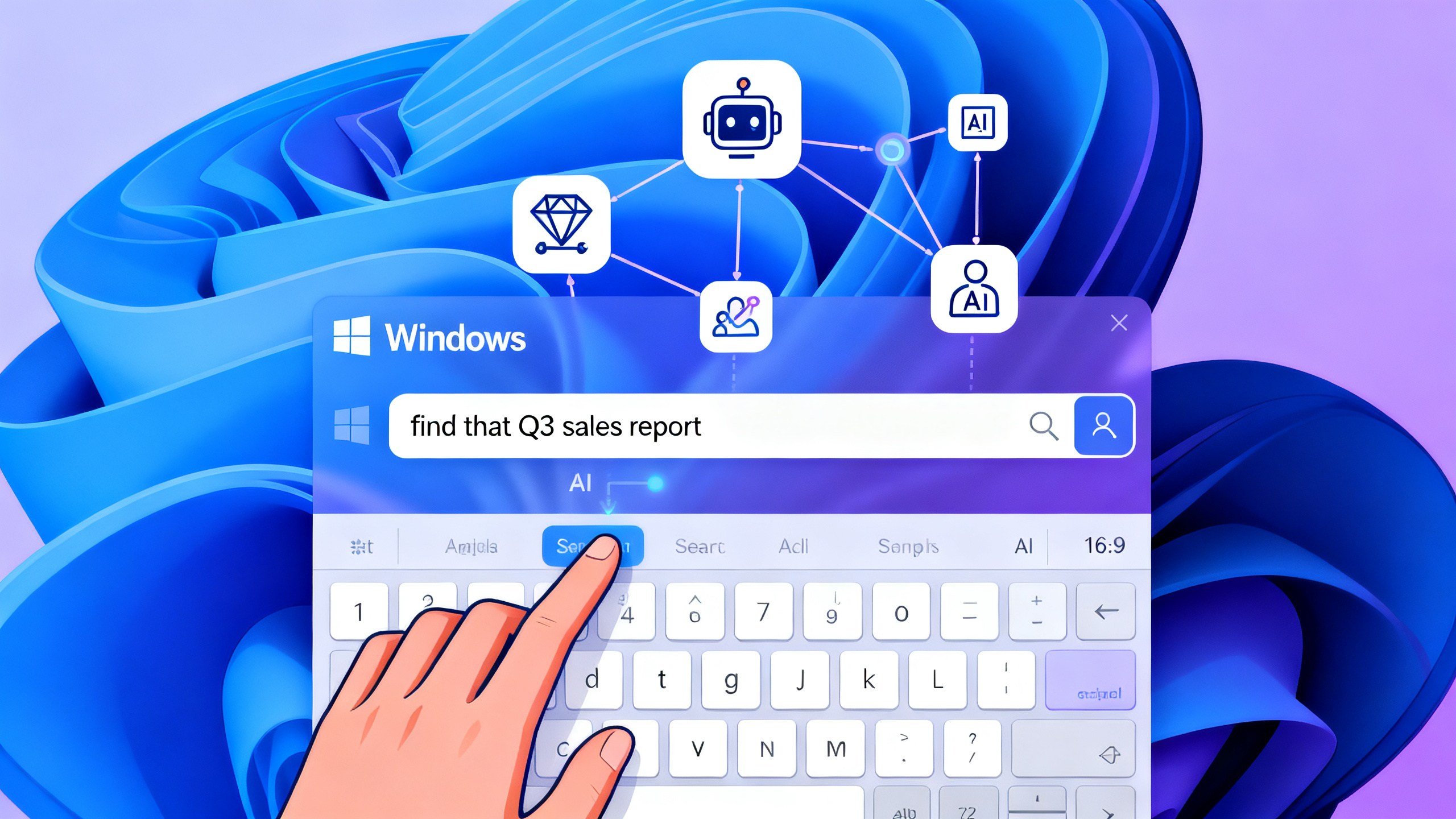





An NPU (Neural Processing Unit) is a specialized chip designed to run AI tasks directly on your device — faster, using less power, and without sending your data to the cloud. It powers features like real-time background blur in video calls, voice transcription, face unlock, and local AI assistants. This guide explains exactly what an NPU does, how it compares to CPUs and GPUs, which devices have one, and whether you need it.
What Is an NPU? The Simple Explanation
An NPU — short for Neural Processing Unit — is a processor built from the ground up for one job: running artificial intelligence. Think of it as a dedicated “AI co-processor.”
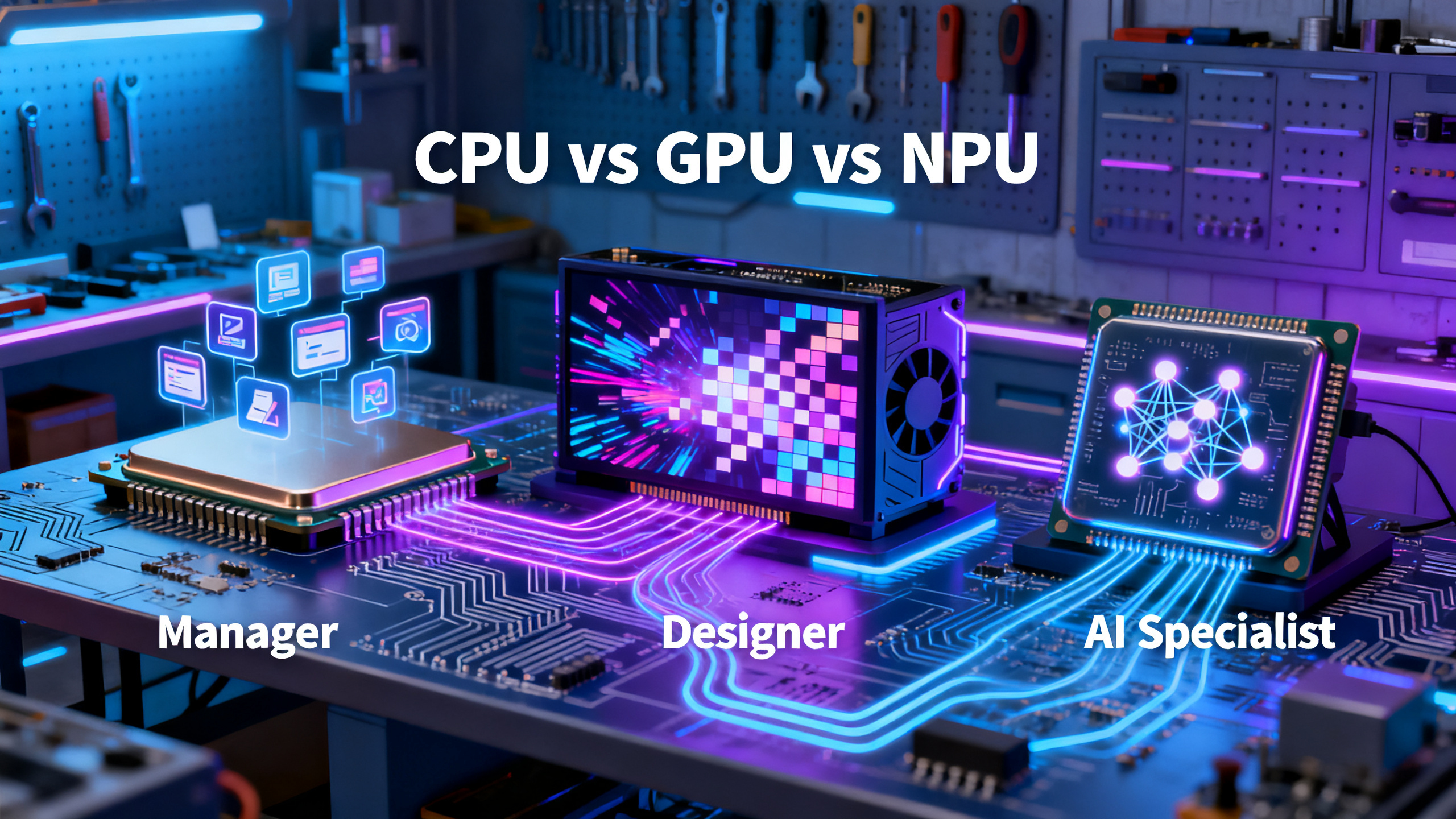
Imagine a workshop with three specialists:
- CPU (Central Processing Unit) — The manager. Handles everything: opening apps, loading websites, running the operating system. Great at many things, not optimized for AI.
- GPU (Graphics Processing Unit) — The graphic designer. Creates visuals, renders games, edits video. Can run AI, but uses a lot of power doing it.
- NPU (Neural Processing Unit) — The AI specialist. Only does AI work, but does it far more efficiently than the other two.
Instead of forcing the CPU or GPU to handle AI tasks (which drains battery and slows everything down), the NPU runs them in the background at a fraction of the power. Your laptop stays cool. Your battery lasts longer. Responses are instant because nothing needs to go to the cloud.
A Brief History: How NPUs Became Essential
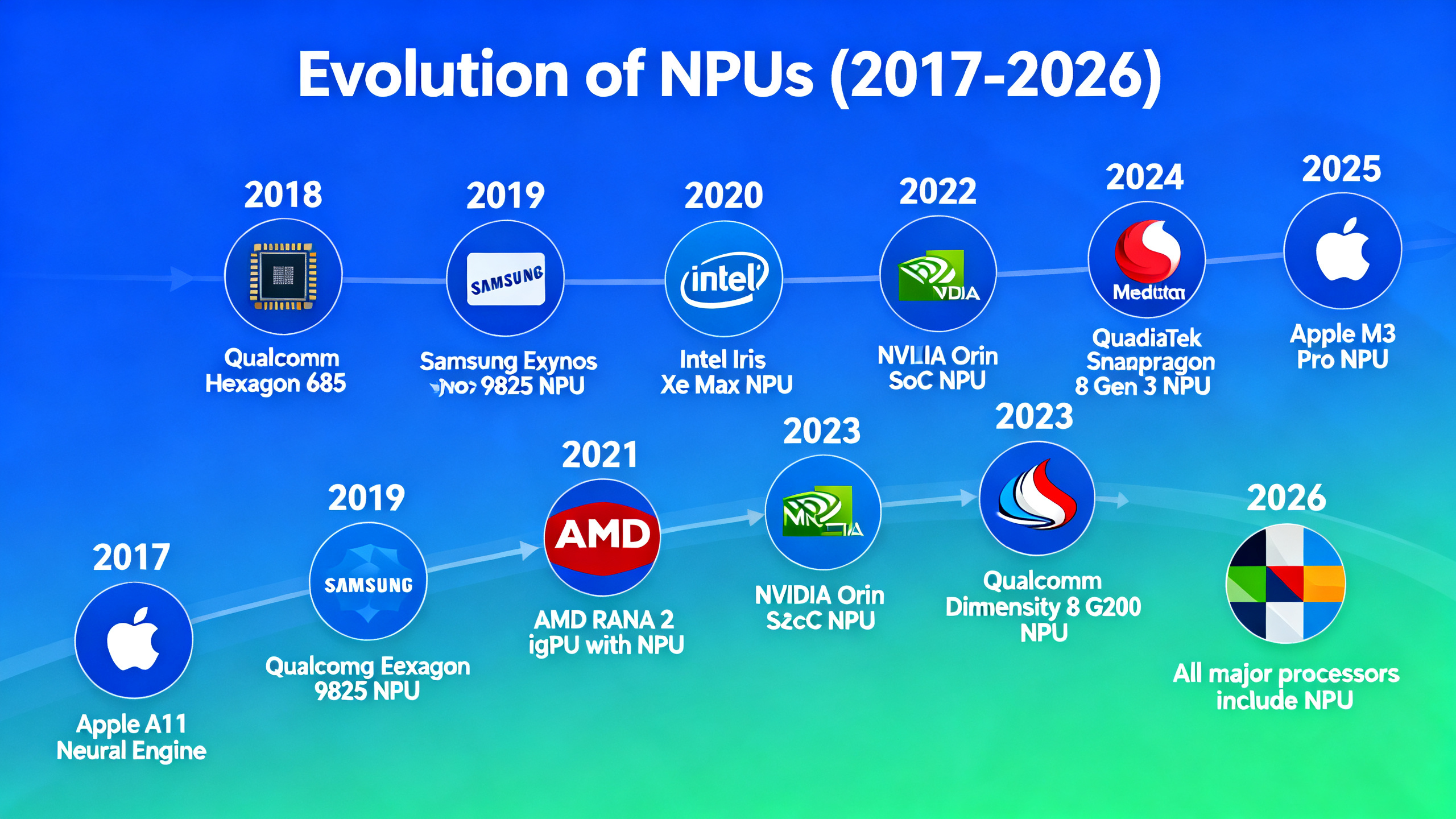
NPUs haven’t always been in consumer devices. Here is the timeline of how they evolved:
| Year | Milestone | Significance |
|---|---|---|
| 2017 | Apple A11 Bionic (Neural Engine) | First mass-market mobile NPU — 600B operations/s for Face ID and Animoji |
| 2018 | Qualcomm Snapdragon 855 (Hexagon DSP) | Android flagship phones get dedicated AI processing |
| 2020 | Apple M1 (16-core Neural Engine) | NPU arrives in laptops — 11 TOPS, powers on-device ML on Mac |
| 2023 | Intel Core Ultra (Meteor Lake) | Intel’s first desktop/laptop NPU — Windows AI PC era begins |
| 2024 | Microsoft Copilot+ PC / Qualcomm Snapdragon X | 40+ TOPS requirement — NPU becomes a standard PC spec |
| 2025 | AMD Ryzen AI 300 (50 TOPS) | NPU performance doubles in a single generation |
| 2026 | All major laptop processors include NPU | NPU becomes as standard as a webcam — no premium required |
CPU vs GPU vs NPU: Side-by-Side Comparison
| Specification | CPU | GPU | NPU |
|---|---|---|---|
| Primary role | General computing | Graphics + parallel compute | AI inference |
| Core design | 4-16 powerful cores | Thousands of small cores | MAC arrays + on-chip SRAM |
| Precision | FP64/FP32 (precise) | FP32/FP16/INT8 | INT8/INT4 (quantized) |
| Power draw (AI task) | 30-60W | 150-700W | 2-10W |
| Background blur (videocall) | Works but drain | Fast but hot | Efficient & cool |
| Can train models? | Toy models only | ✅ Yes | ❌ No |
| Found in | Every computer | Desktop/laptop/server | Phones, laptops, cars, IoT |
For most AI tasks in consumer devices, the NPU does the job for 5-10% of the power a GPU would require. IBM research has shown NPU performance reaching over 100x better than a comparable GPU at the same power consumption for specific workloads.
How Does an NPU Actually Work?
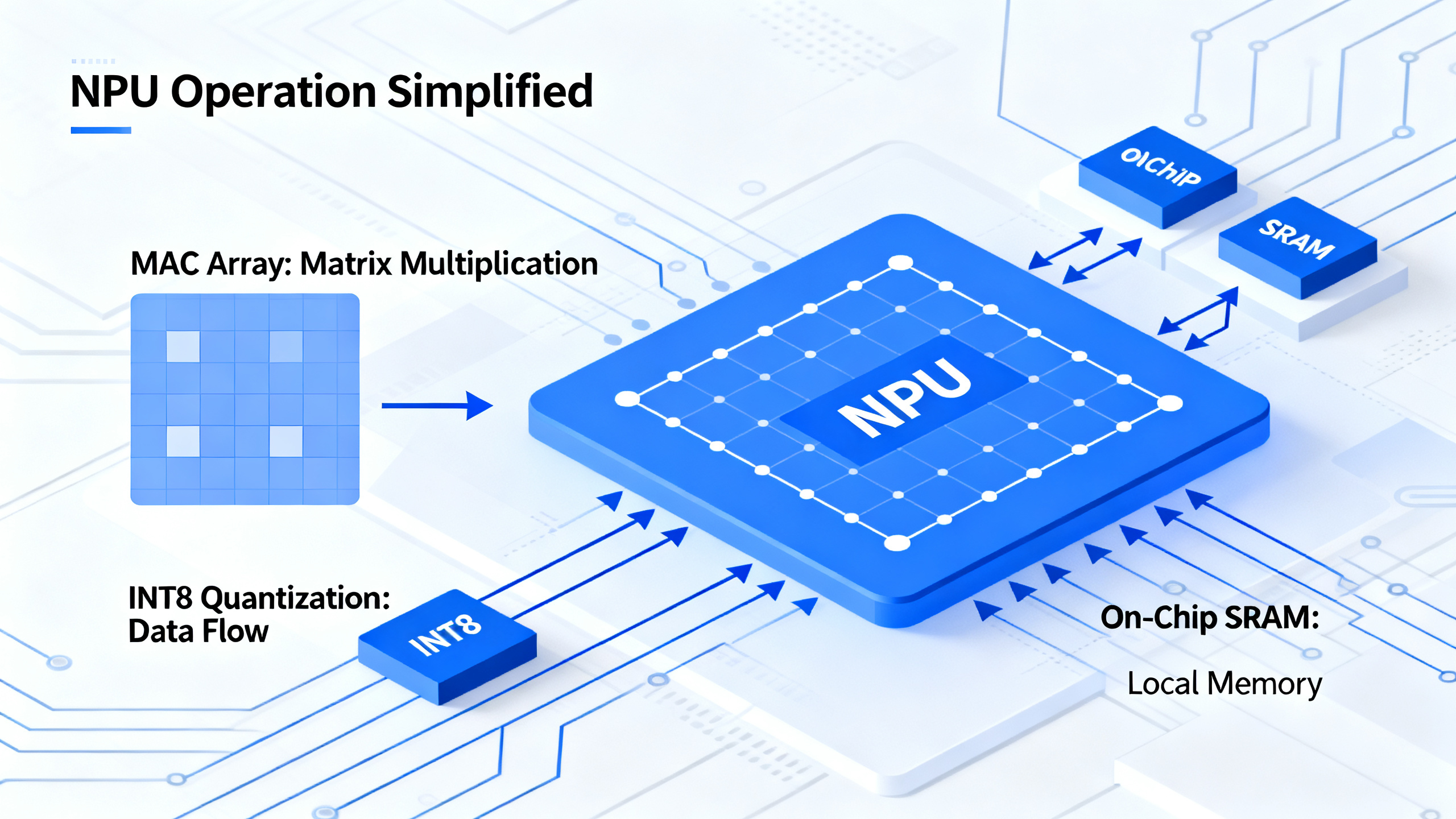
At the hardware level, an NPU is built around specialized circuits called MAC arrays (Multiply-Accumulate). These are specifically designed for the math that powers neural networks:
Matrix multiplication. When an AI recognizes your face or transcribes your voice, it performs millions of matrix multiplications per second. Each multiplication involves multiplying hundreds of numbers together and adding up the results. NPUs have thousands of tiny compute units all doing these operations at the same time — massively parallel processing.
Quantized inference. NPUs typically use INT8 (8-bit integer) or INT4 (4-bit integer) precision instead of the FP32 (32-bit) precision used by CPUs. This is lossy compression for AI: it sacrifices a tiny amount of accuracy for massive gains in speed and efficiency. The result is usually indistinguishable to the human eye or ear.
On-chip memory. Instead of pulling data from system RAM (which is slow and power-hungry), NPUs have SRAM right on the chip. Data doesn’t travel far, so it can be processed in microseconds rather than milliseconds.
This hardware specialization is why an NPU running background blur on a video call uses 2-10 watts, while the same task on a GPU would consume 30-40 watts.
NPU Performance by Brand: TOPS Comparison
NPU performance is measured in TOPS — Trillions of Operations Per Second. Here is how the major players compare in 2026:
| Vendor | Processor Series | NPU TOPS | Copilot+ Ready? |
|---|---|---|---|
| Apple | M4 Neural Engine | 38 TOPS | N/A (macOS) |
| AMD | Ryzen AI 300 (Strix Point) | 50 TOPS | ✅ Yes |
| Intel | Core Ultra 200V (Lunar Lake) | 48 TOPS | ✅ Yes |
| Qualcomm | Snapdragon X Elite | 45 TOPS | ✅ Yes |
| MediaTek | Dimensity 9400 | 30+ TOPS | N/A (mobile) |
| NVIDIA | RTX Spark N1X | 1,000 TOPS (FP4) | ✅ Yes |
Important caveat: TOPS numbers are not directly comparable across vendors because different brands use different data types. Intel and AMD quote INT8 TOPS. Apple quotes INT8 TOPS for the Neural Engine. Qualcomm may quote INT8 or INT4. NVIDIA’s RTX Spark uses FP4 (4-bit floating point), giving much higher TOPS but also lower precision. Always check which precision is being measured.
Real-World Things an NPU Actually Does (Today)
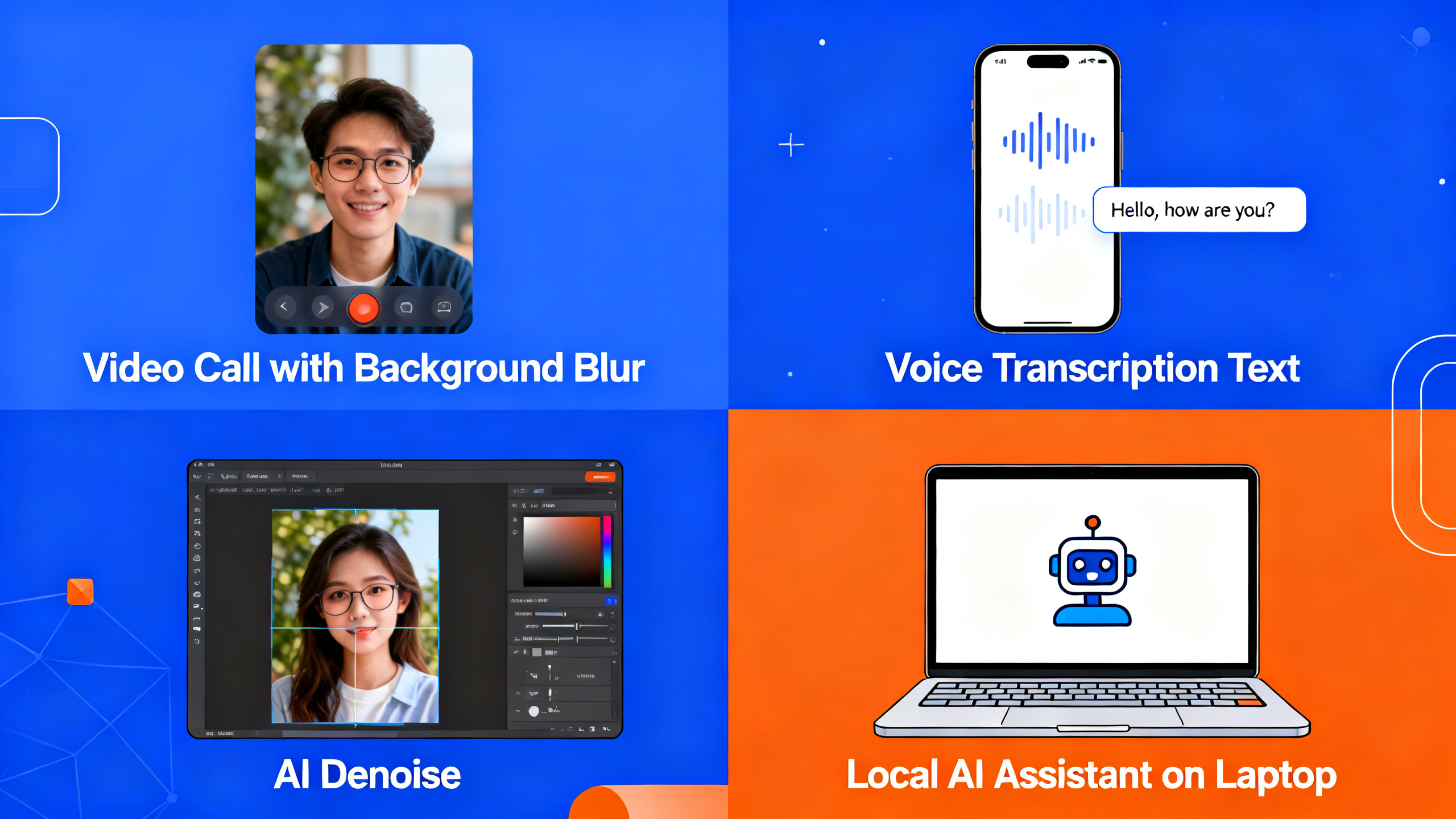
NPUs are already powering features you use daily, even if you don’t know it:
Video Calls
Background blur, face framing, eye contact correction, and noise removal. These run on the NPU in Teams, Zoom, and Google Meet on modern laptops. The result: smooth real-time effects without making your laptop sound like a jet engine.
Voice Commands and Transcription
Windows Voice Access, live captions, and real-time transcription all use the NPU. Instead of sending audio to the cloud, everything processes locally. Responses are instant, and nothing is recorded on external servers.
Photo and Video Editing
Adobe Lightroom’s AI denoise, Apple Photos’ object removal, and video upscaling tools leverage the NPU. Edits that took seconds now happen in real-time as you drag a slider.
Windows Studio Effects
Available on Copilot+ PCs: automatic framing, portrait blur, eye contact, and creative filters — all running on the NPU with virtually zero battery impact.
Local AI Assistants
Windows Recall, Copilot on-device features, and third-party local LLM applications (like Ollama with NPU acceleration via llama.cpp) use the NPU to run small models without cloud dependency.
When Does an NPU NOT Help?
NPUs are specialized — they only accelerate AI inference (running pre-trained models). Here is what they cannot do:
- Train AI models — NPUs cannot train or fine-tune models. That requires GPUs (or TPUs for large-scale).
- Run large LLMs — 70B+ parameter models won’t fit in on-chip NPU memory. NPUs are designed for small-edge models (1-7B parameters).
- Replace your GPU for gaming — NPUs are not designed for graphics rendering.
- Accelerate non-AI apps — Browsing, email, office applications — the CPU handles these just fine.
Do You Need an NPU? Decision Guide
| Your usage | NPU matters? | Why |
|---|---|---|
| Daily video calls | ✅ Yes | Background blur + noise removal without battery drain |
| Lightroom / photo editing | ✅ Yes | AI denoise and upscaling work faster, cooler |
| All-day battery user | ✅ Yes | 15-20% better battery during AI-heavy tasks |
| Privacy-conscious | ✅ Yes | AI runs locally — no data sent to cloud |
| Web browsing / email | ❌ No | CPU handles these fine |
| Gaming | ❌ No | GPU is what matters for games |
| AI model training | ❌ No | Need GPU, not NPU |
Economic Impact: What NPU Local Processing Saves You
Running AI locally on an NPU instead of sending it to the cloud has financial implications beyond just latency. Consider a common scenario: real-time transcription during meetings:
- Cloud-based transcription (GPU server): ~$0.006 per minute of audio via Whisper API. For 20 hours of meetings/month = ~$7.20/month or $86/year
- Local NPU transcription: $0 — one-time hardware cost, zero per-minute fees
For a small business with 10 employees doing 20 hours of meetings each per month, that’s $860/year saved on transcription alone. Add AI image editing ($10-20/month per Adobe AI credit), AI writing assistants ($20/user/month), and other cloud AI services, and the savings add up quickly.
The break-even point: if you use more than 2-3 cloud AI services regularly, an NPU-equipped laptop pays for itself in subscription savings within 12-18 months.
Frequently Asked Questions
Can I add an NPU to my current laptop?
No. NPUs are integrated into the processor chip (SoC) and cannot be added later. If you want NPU capabilities, you need a new laptop with an NPU-equipped processor.
Are all NPUs the same?
No. Intel, AMD, Qualcomm, and Apple all design their NPUs differently. Performance varies by TOPS rating, supported precision, and software optimization. Intel’s NPU may be better for Windows AI features, while Apple’s Neural Engine is deeply integrated into macOS.
What does TOPS mean for NPUs?
TOPS stands for Trillions of Operations Per Second. It measures how many AI calculations the NPU can perform in one second. Higher TOPS = faster AI processing. Microsoft’s Copilot+ PC requires 40+ TOPS for full feature support.
Does software still work without an NPU?
Yes. Most software falls back to CPU or GPU when no NPU is available. An NPU boosts AI performance and efficiency but is not required for basic computing.
Will an NPU replace CPU or GPU?
No. NPUs are specialized co-processors that complement CPUs and GPUs. A CPU still runs the OS and most apps. A GPU still handles graphics and training. The NPU handles AI inference — a task neither CPU nor GPU does efficiently.
How do I know if my laptop has an NPU?
Check Task Manager on Windows (Performance tab → look for “NPU”). On macOS, check System Information → Hardware → Neural Engine. Laptops with Intel Core Ultra, AMD Ryzen AI 300, or Qualcomm Snapdragon X processors all include NPUs.
Conclusion: Is the NPU Just Marketing Hype?
The honest answer: it depends on how you use your computer. If you spend your day in video calls, use AI-powered creative tools, or care about privacy and battery life, the NPU is a genuinely useful addition — not marketing fluff. The 15-20% battery life improvement during AI workloads is real. The instant local transcription is real. The privacy of on-device processing is real.
If you only browse the web and check email, the NPU won’t make a noticeable difference today — but it will become increasingly relevant as more software adopts AI features. By 2027, most productivity apps are expected to leverage NPU acceleration for at least some features.
Bottom line: NPUs are not a gimmick. For the right user, they deliver tangible benefits. For everyone else, they are a future-proofing investment in a computing landscape where AI is becoming as fundamental as the internet itself.
Related:
Run Local AI Models 2026 |
How to Run AI Locally on Your Laptop
About the author: Research by the tonkonwslist.com editorial team. This guide synthesizes information from IBM Think, HP Tech Takes, and published AI hardware analysis.