





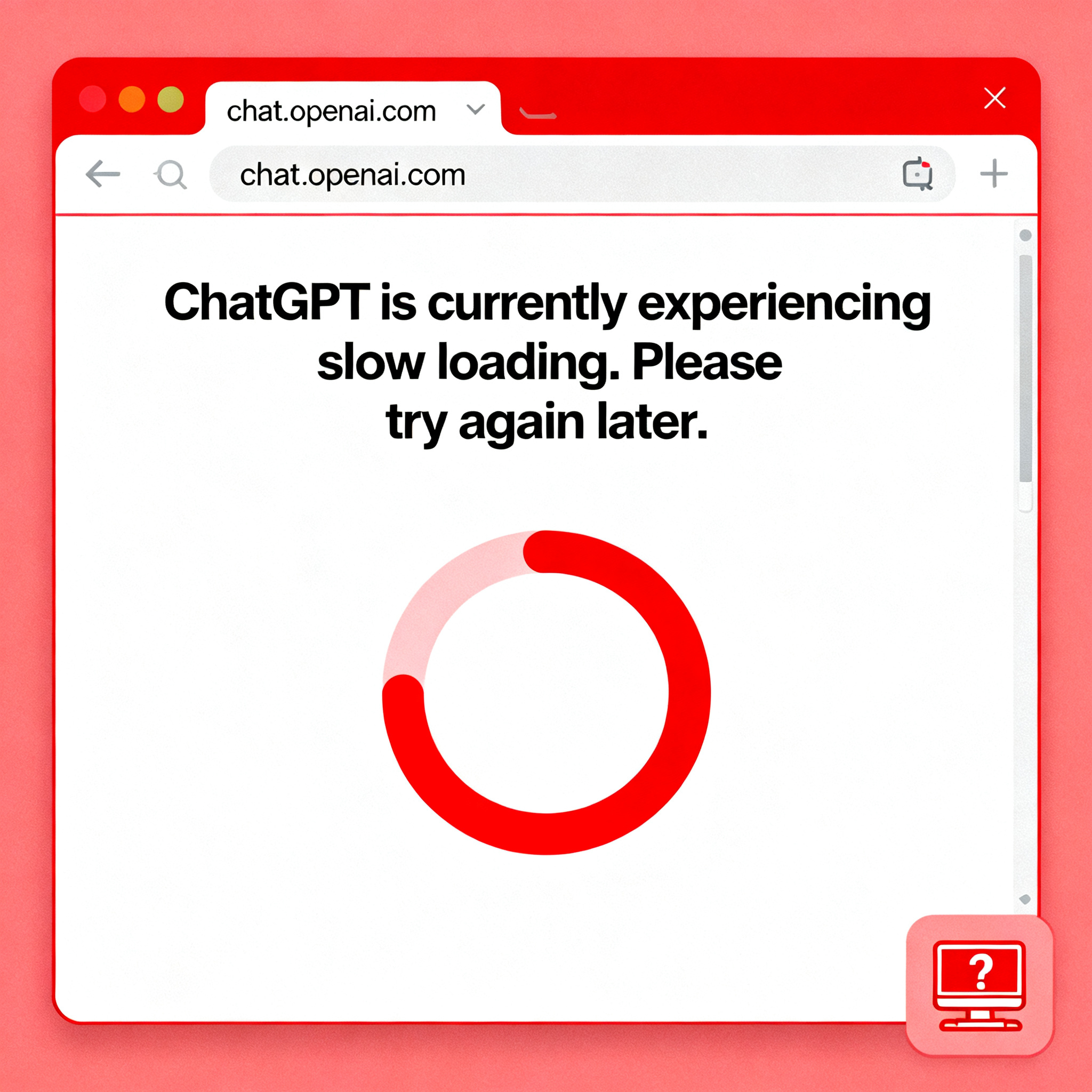
ChatGPT slow issues can be incredibly frustrating when you are trying to get work done. Whether you are on the free tier or ChatGPT Plus, response times can vary dramatically depending on server load, your browser setup, and network conditions. This guide covers the fixes that actually work in 2026.
Why Is ChatGPT So Slow?
ChatGPT response times depend on several factors: server load during peak hours, your browser performance, network latency, and whether you are using a free or Plus account. Understanding the cause helps you apply the right fix.

Fix #1: Clear Browser Cache and Cookies
Accumulated cache data can slow down ChatGPT significantly. Open your browser settings, navigate to privacy, and clear browsing data including cookies and cached images. Select All time for the time range to ensure a complete cleanup.
Fix #2: Disable Browser Extensions
Ad blockers, VPN extensions, and privacy tools can interfere with ChatGPT performance. Open a private/incognito window and test ChatGPT there. If it runs faster, an extension is likely causing the slowdown. Disable extensions one by one to identify the culprit.
Fix #3: Start a New Chat
Long conversations consume more memory as ChatGPT processes all previous messages. Summarize your work, copy it elsewhere, and start a fresh chat. This dramatically improves response speed, especially in conversations with 50+ messages.
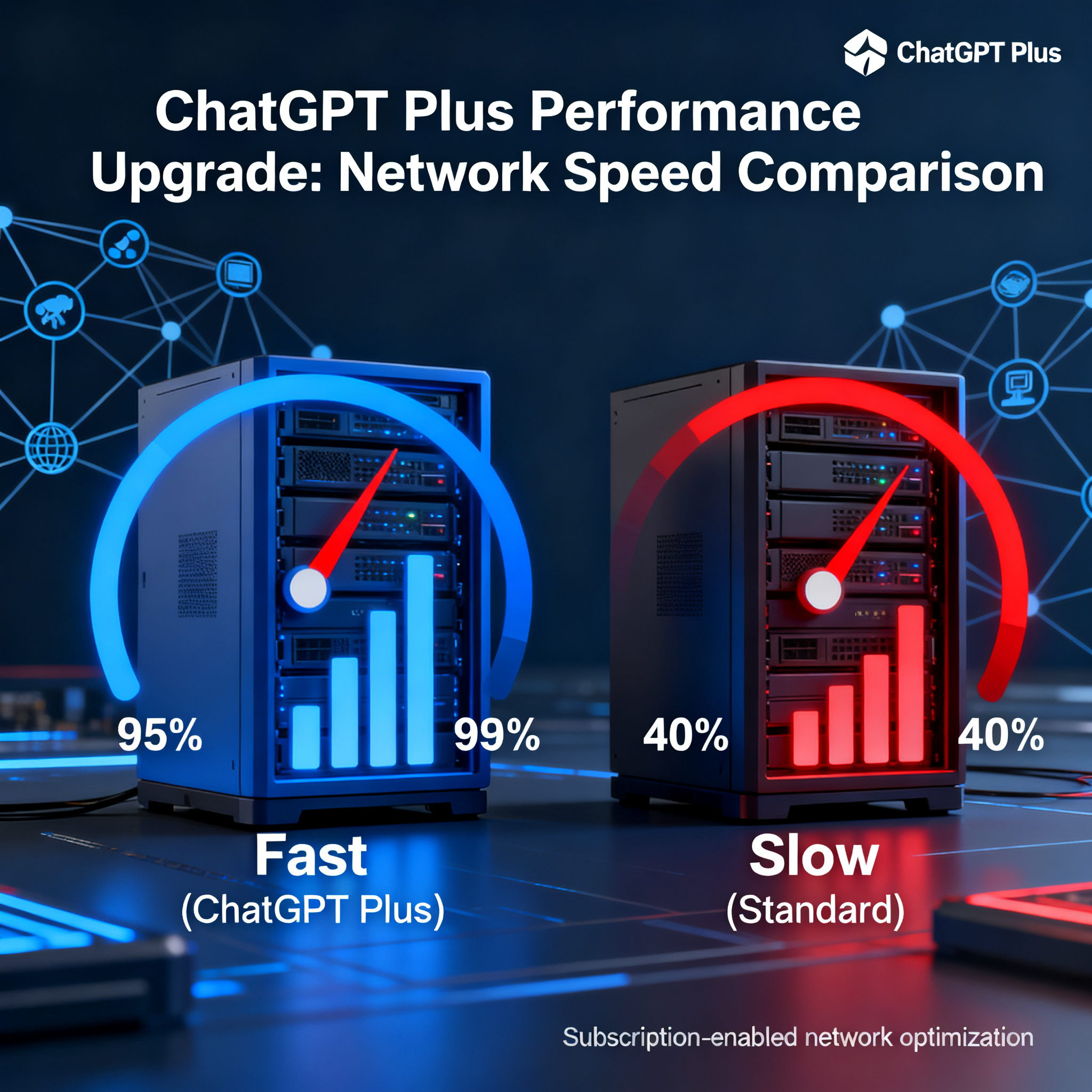
Fix #4: Upgrade to ChatGPT Plus
Free users are throttled during peak hours. ChatGPT Plus at $20/month provides priority access to faster server clusters. If you use ChatGPT daily for important work, the upgrade significantly reduces wait times.
Fix #5: Use Mobile Data Instead of Wi-Fi
Network latency can be the bottleneck. Try switching from Wi-Fi to mobile data or vice versa. Restart your router if Wi-Fi is slow.
Fix #6: Try a Different Browser
Browser-specific issues can affect ChatGPT performance. Try Chrome, Firefox, Safari, or Edge to see if one performs better.
Fix #7: Use GPT Instant Mode
At the top of ChatGPT, switch from Default to Instant mode for faster responses on straightforward queries.
Fix #8: Check OpenAI Server Status
Sometimes ChatGPT is slow because of server-side issues. Check OpenAI status page for outage reports.
Frequently Asked Questions
Why is ChatGPT so slow today?
ChatGPT may be slow due to high server load during peak hours, network issues, browser cache buildup, or too many extensions interfering.
Does ChatGPT Plus make ChatGPT faster?
Yes, ChatGPT Plus subscribers get priority access to faster server clusters, significantly reducing response times during high-traffic periods.
How do I fix ChatGPT lagging on mobile?
On mobile, try clearing the ChatGPT app cache, force-closing other apps, or switching between Wi-Fi and mobile data.
Conclusion
When ChatGPT is slow, the fix is usually straightforward. Start with the easiest solutions like clearing cache and disabling extensions.
Related: AI Agent Problems 2026 | Claude vs ChatGPT Writing
About: This article is researched by the tonkonwslist.com editorial team.